
Why does my sent message look different after sending?
After setting up your Qiabot account, you may notice that the content you type in the reply box looks different after sending. Here's why, and whether it affects what visitors see.
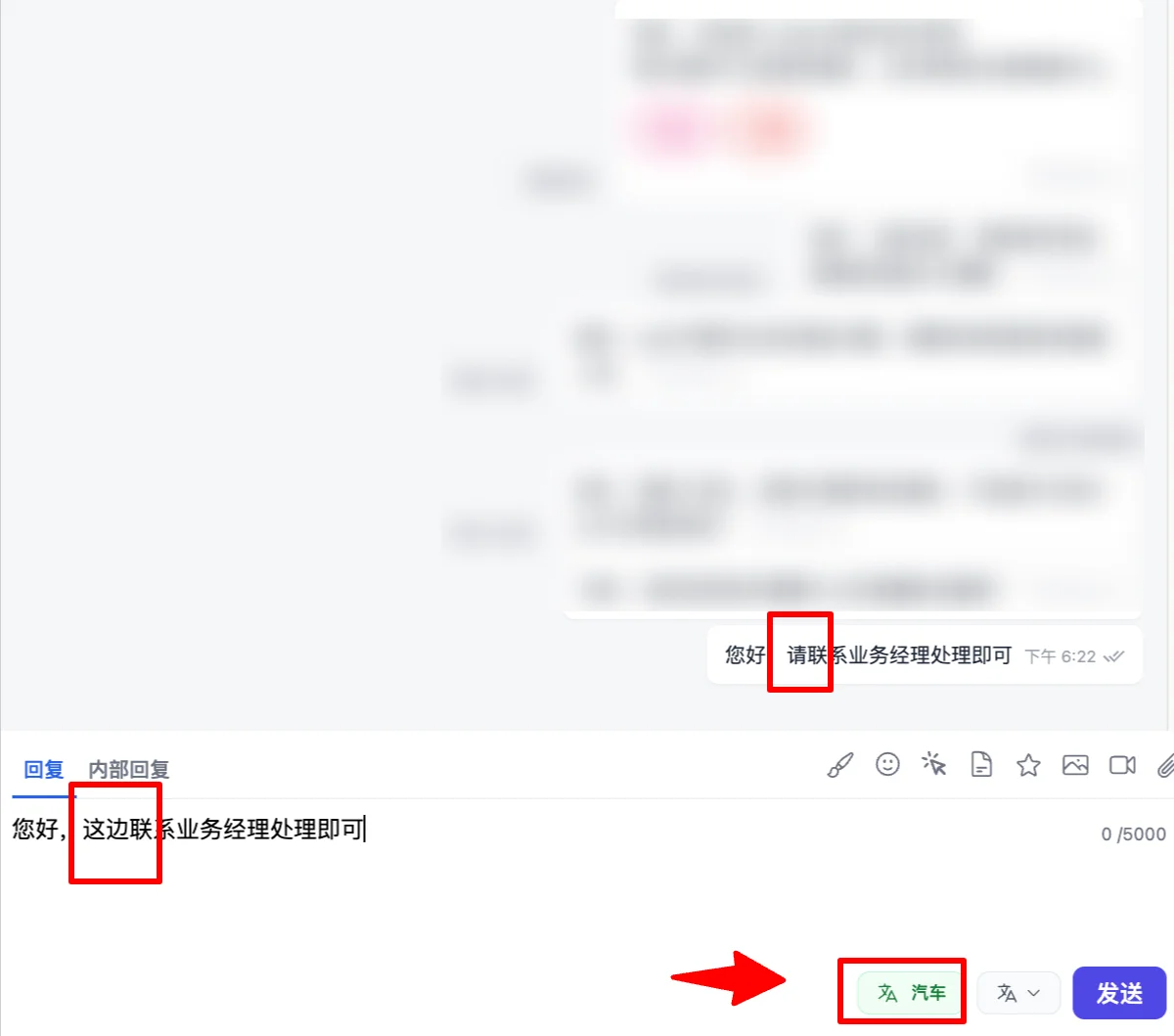
Reason:
Most likely, your Qiabot workspace language isn't set correctly. The default language is English, but your browser's auto-translate feature is translating the page content incorrectly. Don't worry — the browser's displayed content is NOT what gets sent to the customer. Visitors receive your original message exactly as you typed it.
Solution:
- Disable your browser's auto-translate feature.
- Click your avatar in the top-left corner → "Account Settings". In the popup, find "UI Language" and select "简体中文" (or your preferred language).